
 SystemTrayMenu
 3
Press kit
Fact sheet, texts, images and trailers for your article, all free to use. If you write about SystemTrayMenu, you get a license for free.
Download images (ZIP, 3.2 MB)License for journalists
Fact sheet
- What
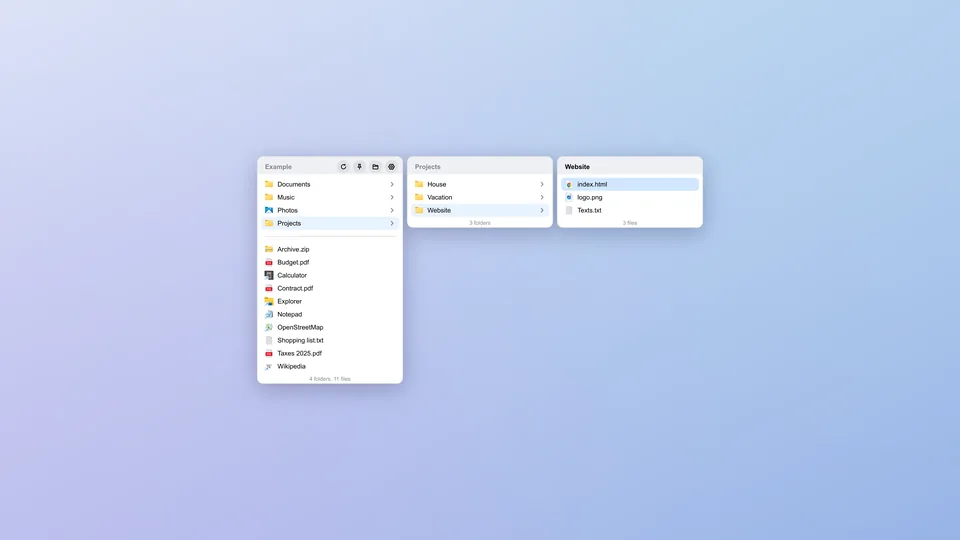
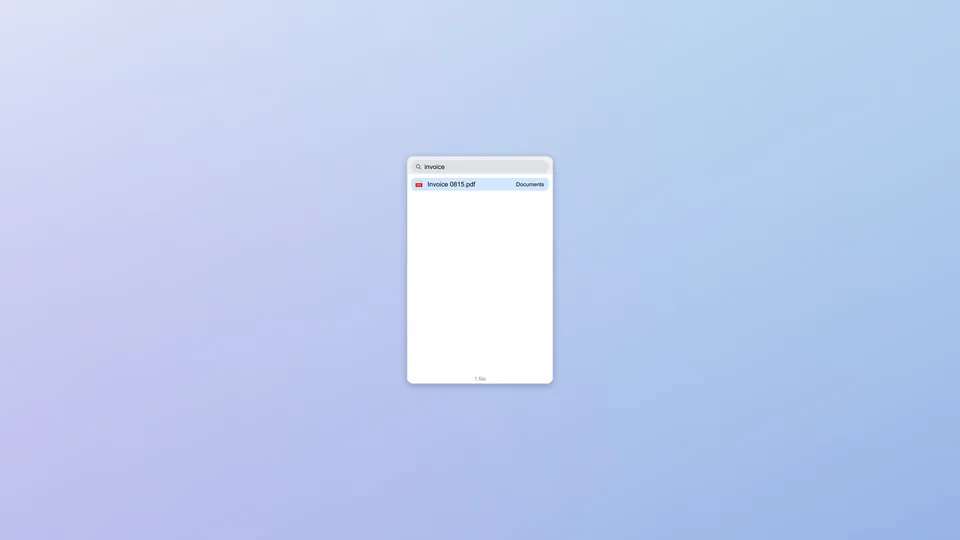
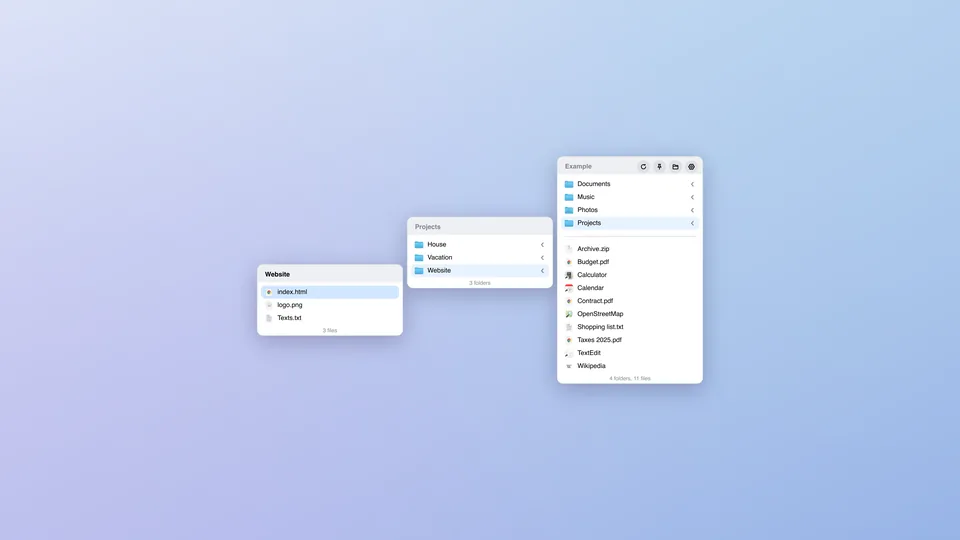
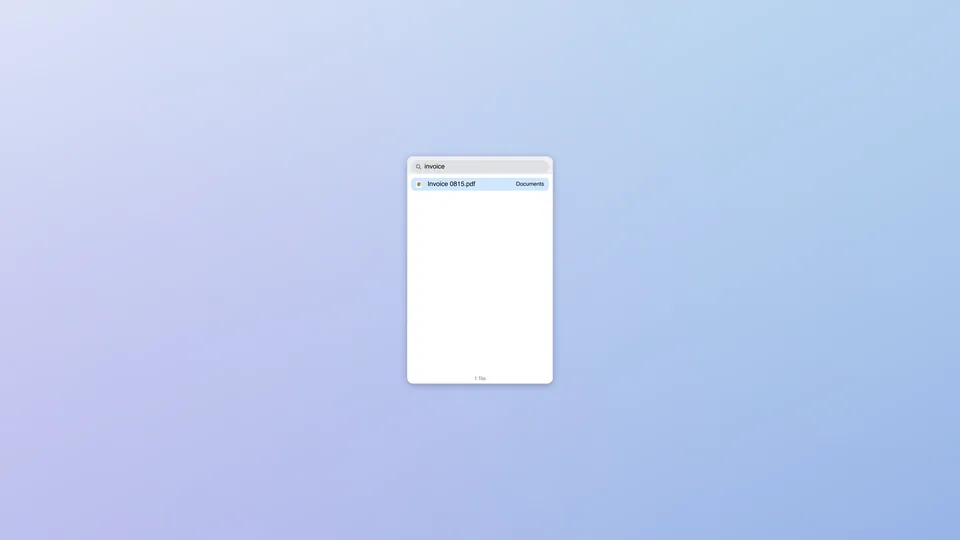
- A menu made from any folder, opened with Ctrl+Win (macOS ⌃⌥) or a click in the taskbar or menu bar. Subfolders open as columns, typing filters, Enter opens.
- For whom
- Anyone who opens the same folders, files, programs and links again and again. On Windows it opens folders as a menu from the taskbar, on the Mac from the menu bar, each with all its subfolders.
- Systems
- Windows 10 (1809 or later) and 11, 64-bit · macOS on Apple silicon (M1 or later) · Linux 64-bit with X11 (Wayland limited)
- Price
- €2.99 once, no subscription. One license covers all computers in your household and is checked without internet.
- Trial
- Fully usable for 14 days, no sign-up (15 days in the Microsoft Store). After that the main menu keeps opening, submenus need a license.
- Version
- 3, updates itself. What changes with each version: What’s new in SystemTrayMenu
- Predecessor
- Version 1, free and open source, Windows only: more than 50,000 downloads, 870 stars on GitHub. Version 3 is a rewrite and takes over its settings at first start.
- Technology
- Rust and Slint · about 20 MB of memory · no extra software · no account, ads or usage statistics · updates with a verified signature · 28 languages
- Developer
- Markus Hofknecht
- Contact
- Markus@Hofknecht.eu
- Link
- systemtraymenu.com: the page picks the right package, file names change with every version. For Windows also in the Microsoft Store: apps.microsoft.com/detail/9N24F8ZBJMT1.
Coverage
gHacks, TheWindowsClub and Windows Report wrote about version 1, major download sites list SystemTrayMenu.
- gHacks
- Article on version 1
- TheWindowsClub
- Article on version 1
- Windows Report
- Comparison of Start menu alternatives for Windows 11
- MajorGeeks
- Download listing
- heise Download
- Download listing (German)
- CHIP
- Download listing (German)
- netzwelt
- Download listing (German)
Texts
Take them as they are or in parts.
In one line
Your folders as a menu, one keystroke away
Short
Your folders as a menu in the taskbar or menu bar: one keystroke opens it, subfolders open as columns, typing filters, Enter opens. For Windows, macOS and Linux. Free 14-day trial, then €2.99 once.
Long
SystemTrayMenu turns a folder into a menu that is there in 5 ms. Press Ctrl+Win (macOS ⌃⌥) or click its icon in the taskbar or menu bar: subfolders open as their own columns, and Enter or a click opens any file, program or link.
- Just start typing: every level filters as you type, * works as a wildcard, everything works without a mouse.
- Folders first, "Photo 2" before "Photo 10"; drag entries into your own order, remembered per folder.
- Drag links from the browser onto the menu: clean name, website icon, warning about duplicates.
- New files show up at once; shortcuts to folders open as a submenu.
- Order and icons reach every computer through OneDrive, Dropbox or iCloud.
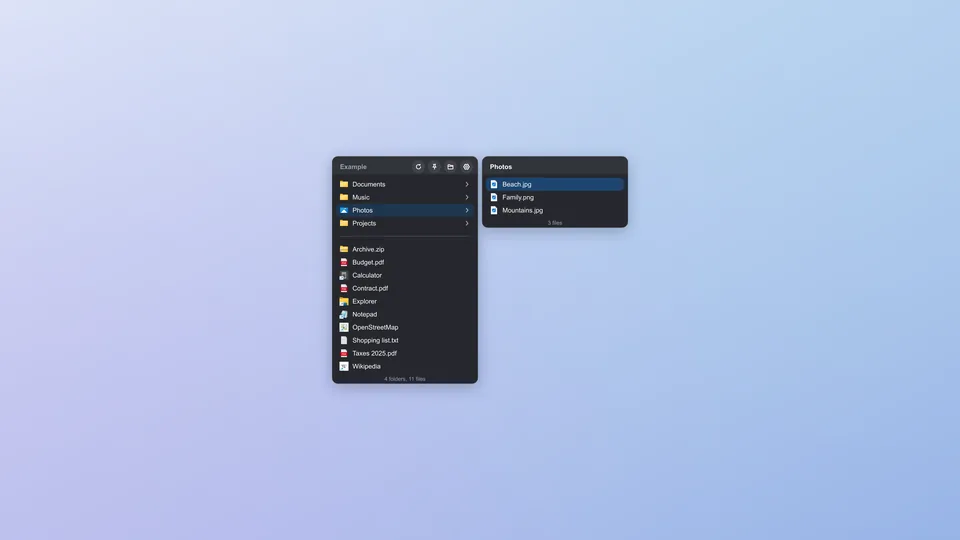
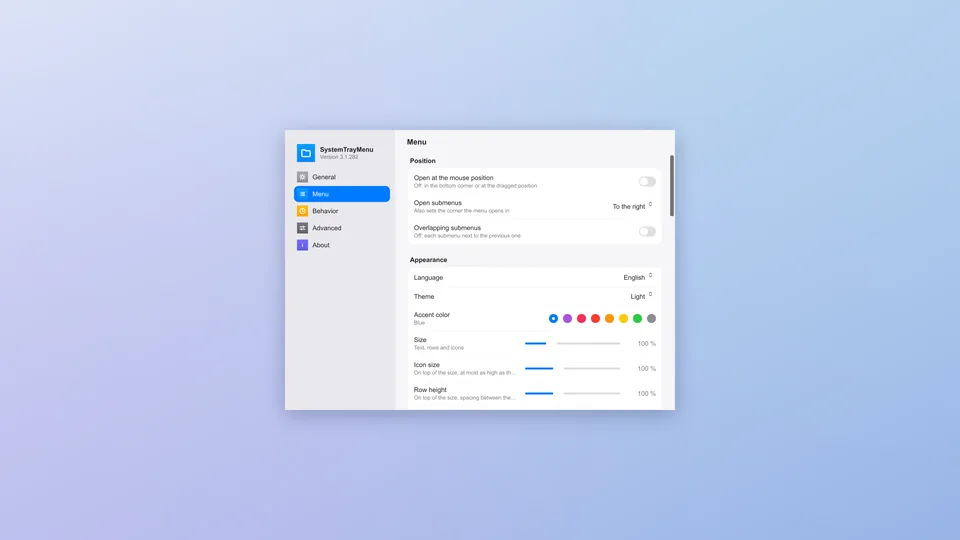
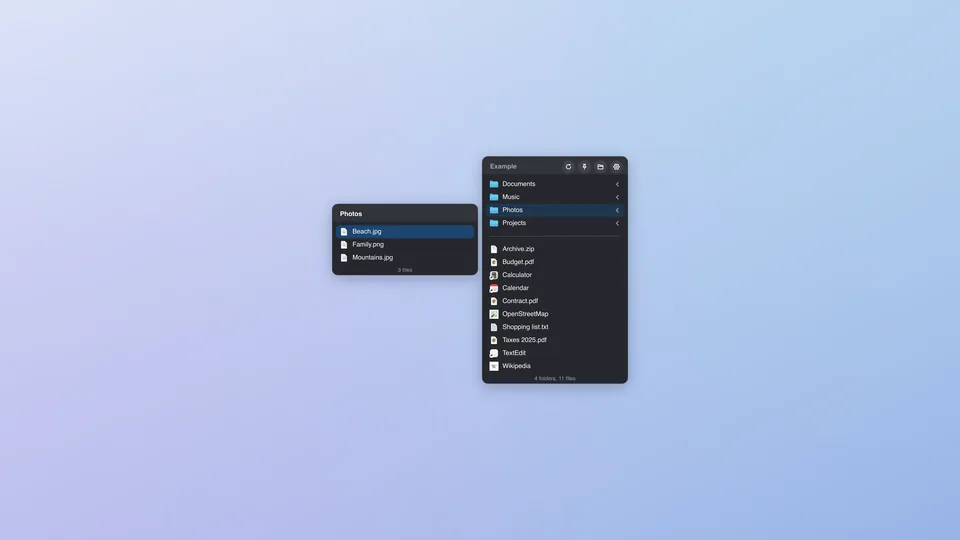
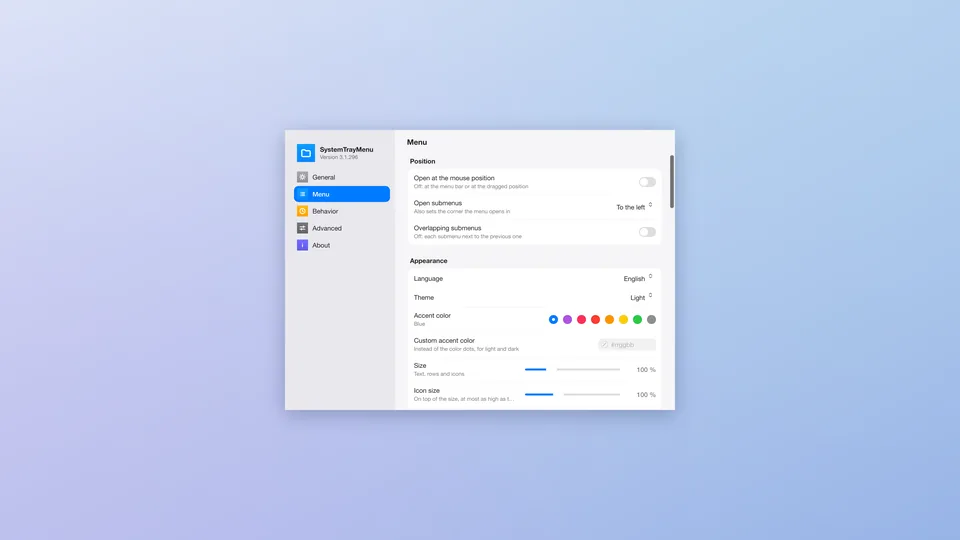
- Light, dark or like the system, with a glass look on macOS; 28 languages; runs portable from a USB stick.
- About 20 MB of memory, no extra software, no account, no ads, no usage statistics.
SystemTrayMenu 3 is the rewritten successor of version 1 (more than 50,000 downloads, 870 stars on GitHub) and takes over its settings at first start. Try it free for 14 days, no sign-up; then €2.99 once, no subscription, one license for all computers in your household, checked without internet. Version 1 stays free on GitHub.
Images
The ZIP holds all screenshots of Windows and macOS at 3840 × 2160 as PNG, in English and German, plus the icon as SVG and as PNG at 1024 × 1024. Free to use in reports about SystemTrayMenu, credit: hofknecht.eu.
Windows
macOS
Download all images as ZIP (3.2 MB)
Trailers
No sound, MP4, free to use like the images.
License for journalists
Writing about SystemTrayMenu 3 for a magazine, a blog or a channel? Then you get a license for free. Send a mail with the name of your publication, the license comes back by mail. For a first look the trial is enough: 14 days, no sign-up.
Questions, an interview or other images: Markus@Hofknecht.eu · Product page · Help